

Most nonprofit finance teams are small. Anthropic reports that more than 75% of the nonprofits using Claude have fewer than 10 seats (as of October 2026), so the person who closes the books is often the same person who writes the board report and the grant update.
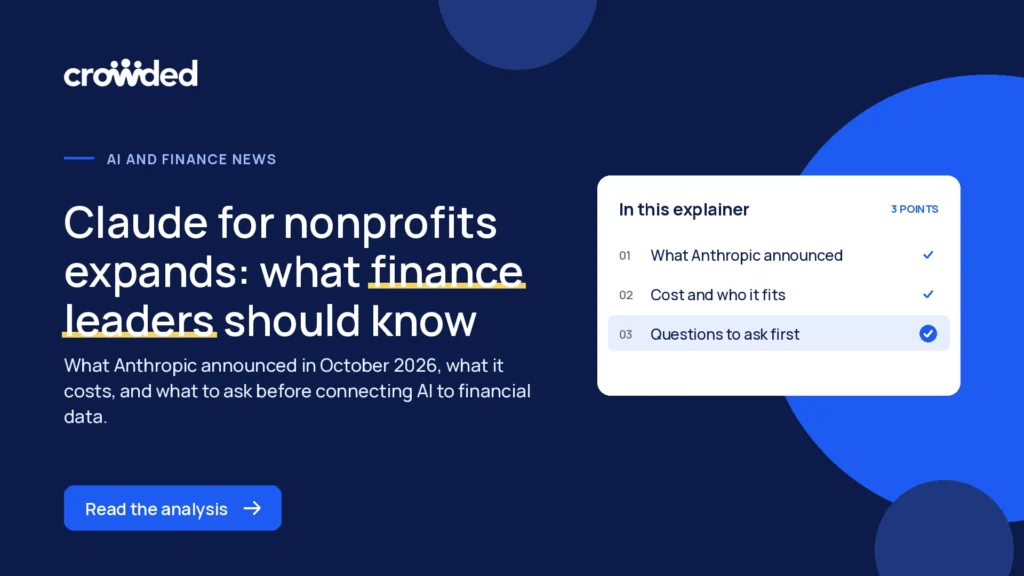
This explainer covers what Anthropic announced for Claude for nonprofits, what it costs, what the plugin’s skills mean for finance leaders, and what AI can and cannot safely do with financial data. It ends with questions to settle before you connect any assistant to bank or accounting data.
What Did Anthropic Announce for Claude for Nonprofits?
On October 26, 2026, Anthropic released the Claude for Nonprofits plugin, a set of skills and connectors built with about 30 nonprofits in its Design Partner Circle (as of October 2026, per Anthropic’s announcement). Anthropic calls it the first of several releases it plans to build with nonprofit organizations.
The plugin sits on top of earlier steps. Last December, Anthropic launched Claude for Nonprofits with discounts of up to 75% and connectors for Blackbaud, Candid and Benevity. Anthropic says more than 25,000 nonprofits now use Claude.
The announcement also covers people support. Anthropic describes Claude Corps, which is placing 1,000 early-career fellows in at least 400 US nonprofits, and a planned extension through a partnership with Taproot that would match nonprofits with pro bono consultants for project-based work.
Two live webinars are scheduled. An admin guide to data handling and AI use policy runs on November 10, and a staff guide to making Claude useful on day one runs on November 12. Anthropic also points admins to a Claude Academy tutorial on data handling and drafting an AI use policy.
What Does Claude for Nonprofits Cost, and Who Does It Fit?
As of October 2026, Anthropic says the Claude for Nonprofits plugin is installed automatically for nonprofits on Team and Enterprise plans, at no additional cost. The plan itself still has a price, so confirm current terms on Anthropic’s own pages before budgeting.
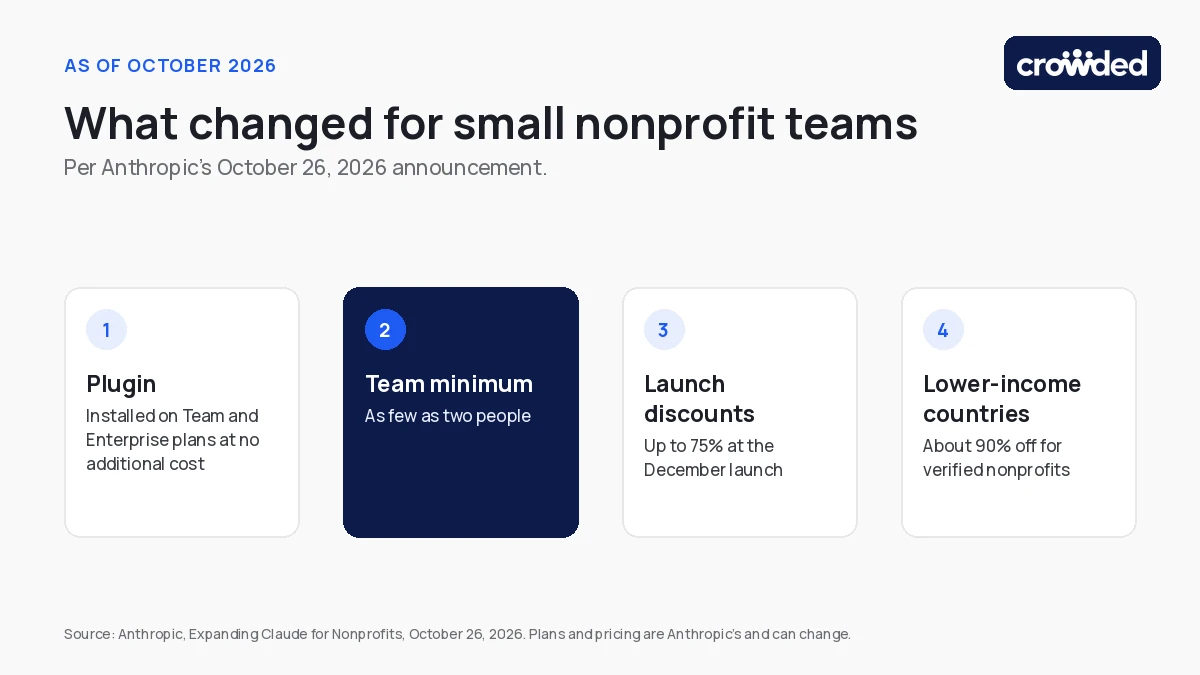
- Team minimum: Anthropic lowered the Team plan minimum to organizations with as few as two people.
- Claude Code: nonprofit plans include Claude Code at no additional cost, per Anthropic.
- Discounts: up to 75% at the December launch, plus a September 2026 discount of about 90% for verified nonprofits in low- and middle-income countries, which Anthropic says brings standard Team seats to $3 per user per month.
- Plan models: nonprofit plans now use the same models as Anthropic’s standard Team and Enterprise plans.
The fit for Claude for nonprofits is clearest for small teams. A two-person nonprofit can now sit on a Team plan, and Anthropic says its update will have the biggest impact on the small, local organizations that make up most of its nonprofit users. A larger finance function with several systems will care more about admin controls, covered later in this post.
Anthropic sets all plan terms and can change them. This post reports what Anthropic says as of October 2026 and does not compare plans.
What Do the Plugin’s Skills Cover for Finance Leaders?
The plugin covers three areas that nonprofits told Anthropic were most urgent: extending your team, setting up Claude responsibly, and funding your mission. Only some of that work touches finance, so it helps to see where each area lands.
- Extend your team: marketing plans, hiring and people tasks, and board and leadership work such as orientation packets and meeting decks. A finance lead will mostly feel this in board materials.
- Set up Claude responsibly: a skill that maps where your organization keeps donor data, grant files, finances and policies, and another that answers “Can I use Claude for this?” from your own AI policy.
- Fund your mission: researching funders and open grants with sources cited, breaking down an RFP, drafting proposals and reports, and preparing for funder conversations. Anthropic says grant reports include sources for their figures.
For a finance team, the grant work and the board work are the near-term wins. Both turn records you already hold into drafts, which a person then checks.
The setup skills matter more. Anthropic says the map skill asks where finances are kept and then offers to connect the tools Claude cannot reach yet. That offer is the moment a finance team decides how much financial data an AI assistant should see. For a wider view of how teams are handling that choice, read what nonprofit finance teams are doing with AI today.
What Can AI Safely Do With Financial Data?
AI can read, summarize and draft from financial data safely when access is limited and a person checks the result. It should not change records or move money without a named human approving the step. The line that matters is reading versus acting.
| Task | Type | Control to consider |
|---|---|---|
| Summarize last quarter’s spending | Read | Check totals against the source before sharing |
| Draft a grant report from your records | Read and draft | Verify each figure and its source |
| Tag or update a record | Change | Review the change before it is saved |
| Start a payment or transfer | Act | Require a named person’s approval |
Scoped access means the assistant reaches only the accounts and actions it needs. A connector that can read one account’s transactions carries less risk than one with access to everything, so start narrow and widen only when a task needs it.
On data, Anthropic says “we don’t train our models on your data by default” and that admins manage who has access and which connectors your organization can use (as of October 2026, per Anthropic’s announcement). Anthropic points IT teams to its Trust Center for security and compliance documentation.
Picture a two-person nonprofit the week before a board meeting. The finance lead asks an assistant to summarize spending by program and draft a short note, using one connected account. That is a read-and-draft task: the lead checks the totals against the ledger and edits the note. Asking the same assistant to pay an invoice is a different category, and it needs a named person’s approval.
Treat any AI answer about money as a draft. Models can misread a column or round a total, so the person who owns the numbers owns the check.
What Should You Ask Before Connecting AI to Financial Data?
Settle seven questions before any AI assistant connects to bank or accounting data. The answers form a short written record that a board member or auditor can read later.
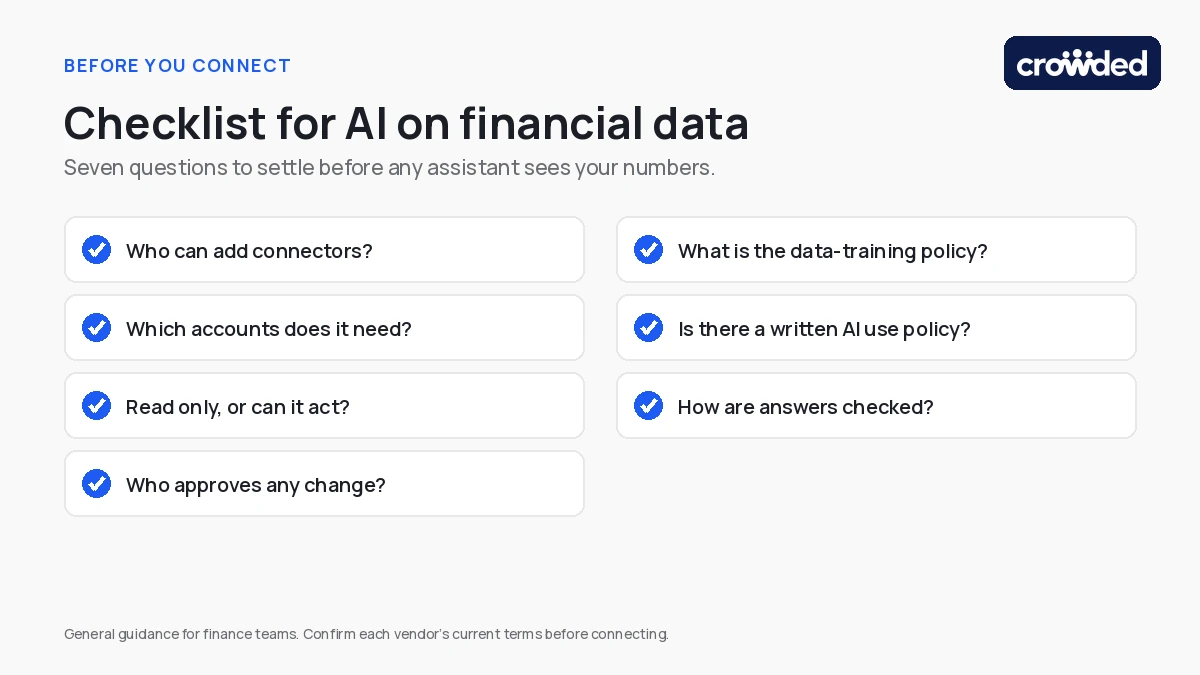
- Who can add connectors? On Team and Enterprise plans, admins control which connectors the organization uses. Name the admin.
- Which accounts does it need? Connect the ones a task requires and leave the rest out.
- Read only, or can it act? Review each tool permission and turn off anything the task does not need.
- Who approves any change? Name the person who signs off on anything that alters records or moves money.
- What is the data-training policy? Read the vendor’s current terms for your plan rather than relying on a summary.
- Is there a written AI use policy? Staff should know what they may paste into an assistant and what they may not.
- How are answers checked? Decide how totals get compared with the source before they reach the board or an auditor.
Access also changes when people do. When a treasurer or finance lead leaves, remove their connections along with their logins, the same way you would hand off signing authority. Our post on handing off financial control at an officer transition covers that handoff.
If you are still choosing tools, our guide to AI tools for nonprofits compares options by use case.
What Should Finance Leaders Do First?
If your team is trying Claude for nonprofits, start small: pick one low-risk task and one owner. Board summaries and grant reports are good candidates because they draft from records you already hold, and a person reviews the result.
- Write a one-page AI use policy. Anthropic’s November 10 admin webinar and its Claude Academy tutorial on data handling and AI use policy are built for this.
- Pilot with a small group. Two or three people, one task, and a note of what went wrong.
- Review after a month. Decide whether to widen access, narrow it, or stop.
Keep connections to bank and accounting data for later, once the policy and the review habit are in place.
Where Do Finance Tools Like Crowded MCP Fit?
Answering questions from current balances and transactions requires a connection to the system that holds them, and many finance tools now offer one through an MCP. Each connector has its own permissions, so compare what each one can read and what it can change.
Crowded MCP is one example. It is Crowded’s connector for Claude and ChatGPT, and it answers finance questions from live Crowded account data, so a balance reflects the account today rather than last month’s export. You choose which accounts and actions it can touch. Crowded is independent of Anthropic.
Crowded’s guide to connecting Crowded MCP with Claude covers setup, and the AI solutions page shows where else AI fits. Whatever tool you choose, run it through the checklist above.
Start With the Questions, Then Choose the Connector
Claude for nonprofits lowers the cost of trying AI. The finance decision is narrower: give the assistant the least access a task needs, and keep a person on each approval.
To see Crowded MCP on your own accounts, book a demo. To get started directly, open an account.
Crowded is compliant money movement and banking for mission-driven organizations — fund accounts, policy-controlled disbursements, and IRS filings in one platform.
* Crowded Technologies Inc is a financial technology company and is not a bank. Banking services provided by i3 Bank; Member FDIC.