Girl Scout Cookie Payments Guide

Happy Cookie Season!

This guide will run through all the ways Crowdedโ€™s platform can help a troop process cookie payments, and keep troop money secure.

There are a few ways to sell cookies with Crowded, and weโ€™re walking you through the steps for each option!

Linked QR codes (Recommended)

collect girl scout cookie payments

Create Fixed Amount Collections for each price category of cookies that the troop will be selling.

For example, let’s say some cookies are being sold for $5, and others for $7.50. The troop leader should create one Fixed Amount Collections with the amount set to $5, and another set to $7.50.ย 

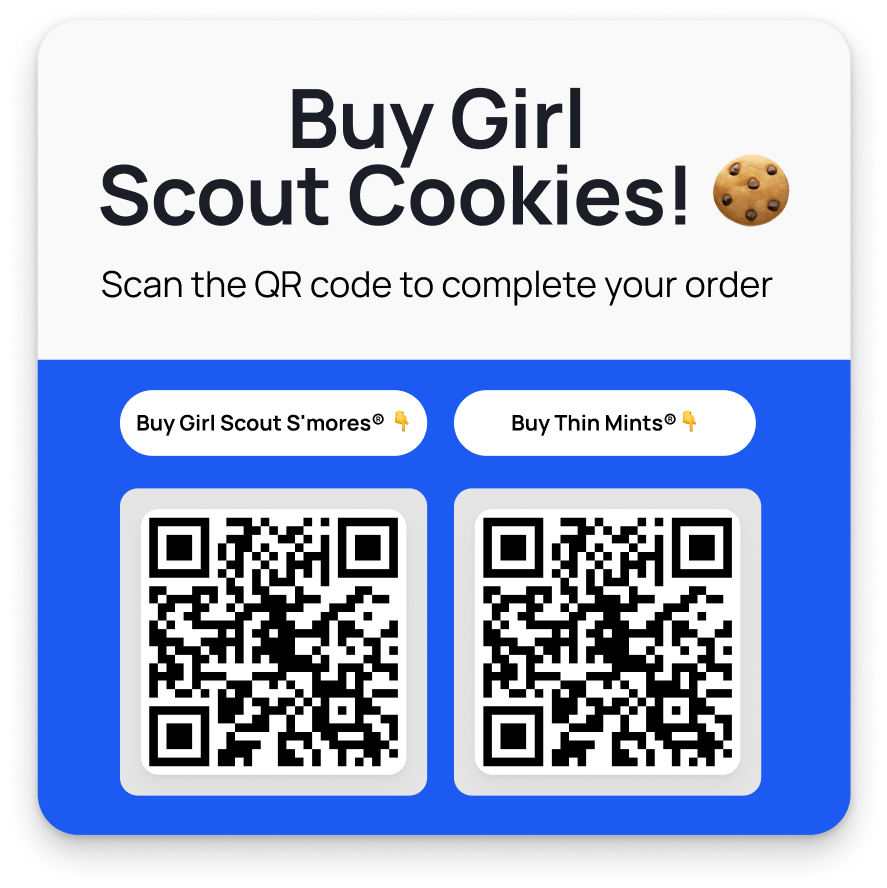
Share by QR, and print the QRs on a themed poster to hang at the cookie booth! When people want to buy cookies, they can easily scan the QR with their phone, select the number of boxes they want to purchase, and check out with Apple or Google Pay, or enter their card details, or ACH.

Please note that as of now, users are only able to purchase a collection one time. For customers wanting to buy multiple boxes, they should buy them all in one transaction or use the other methods detailed below for subsequent transactions.

Here’s a step-by-step breakdown of the collection creation process.

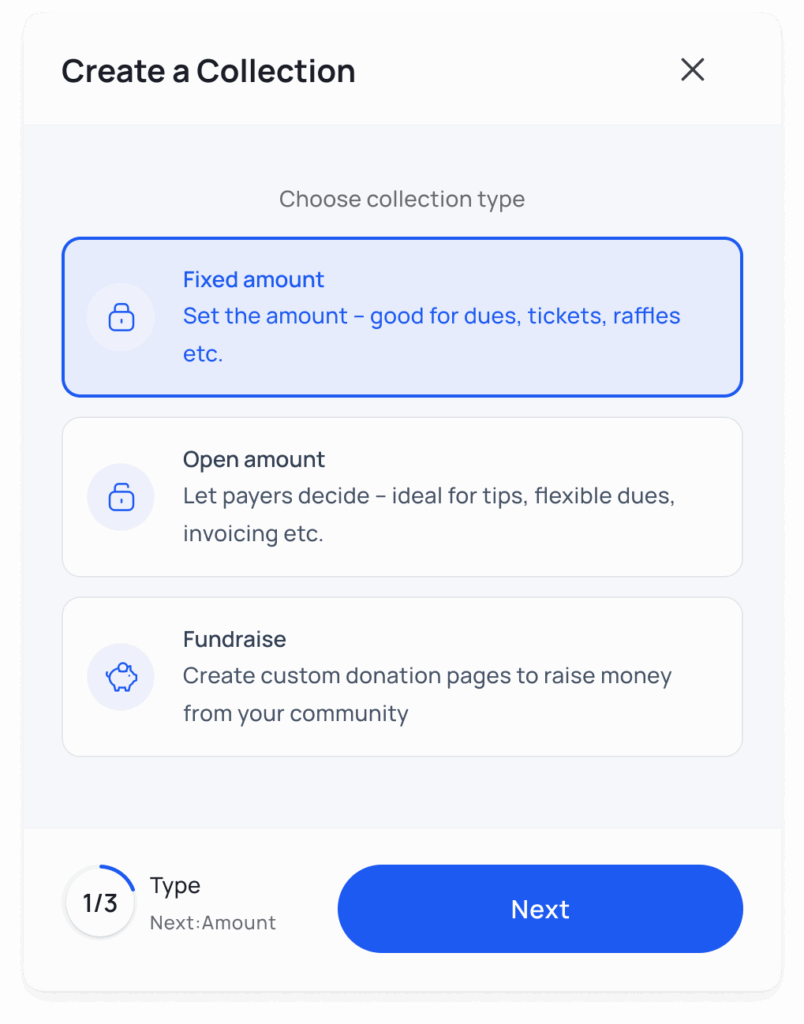
Step 1: Select Collection Type

Choose โ€˜Fixed Amountโ€™, as the cookies are sold at a set price.

Popup.create collection 2 min Crowded

Step 2: Choose Amount

Enter the amount that the box of cookies sells for. Girl Scouts typically do not charge their customers the processing fee, so do not flip the switch.

collect girl scout cookie payments

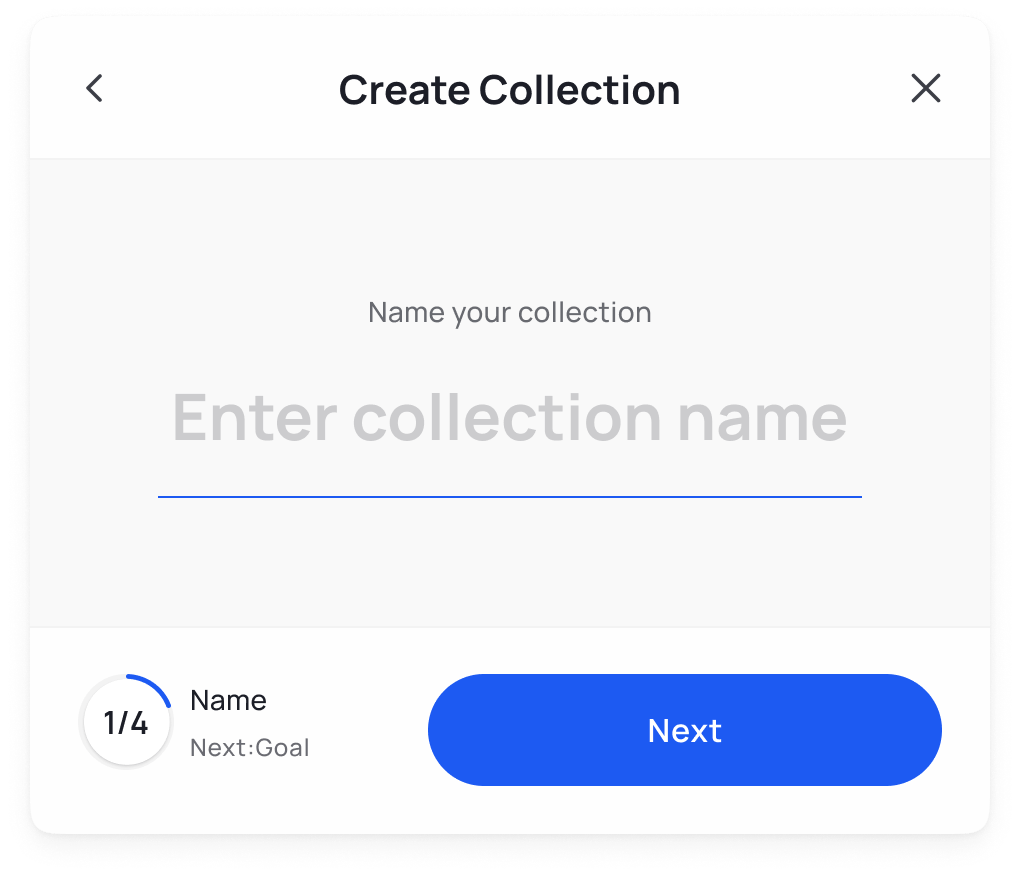
Step 3: Create a collection name

Name the collection the name of the cookie you are selling, for clarity.

Name your online fundraiser
girl scout cookie sales with crowded

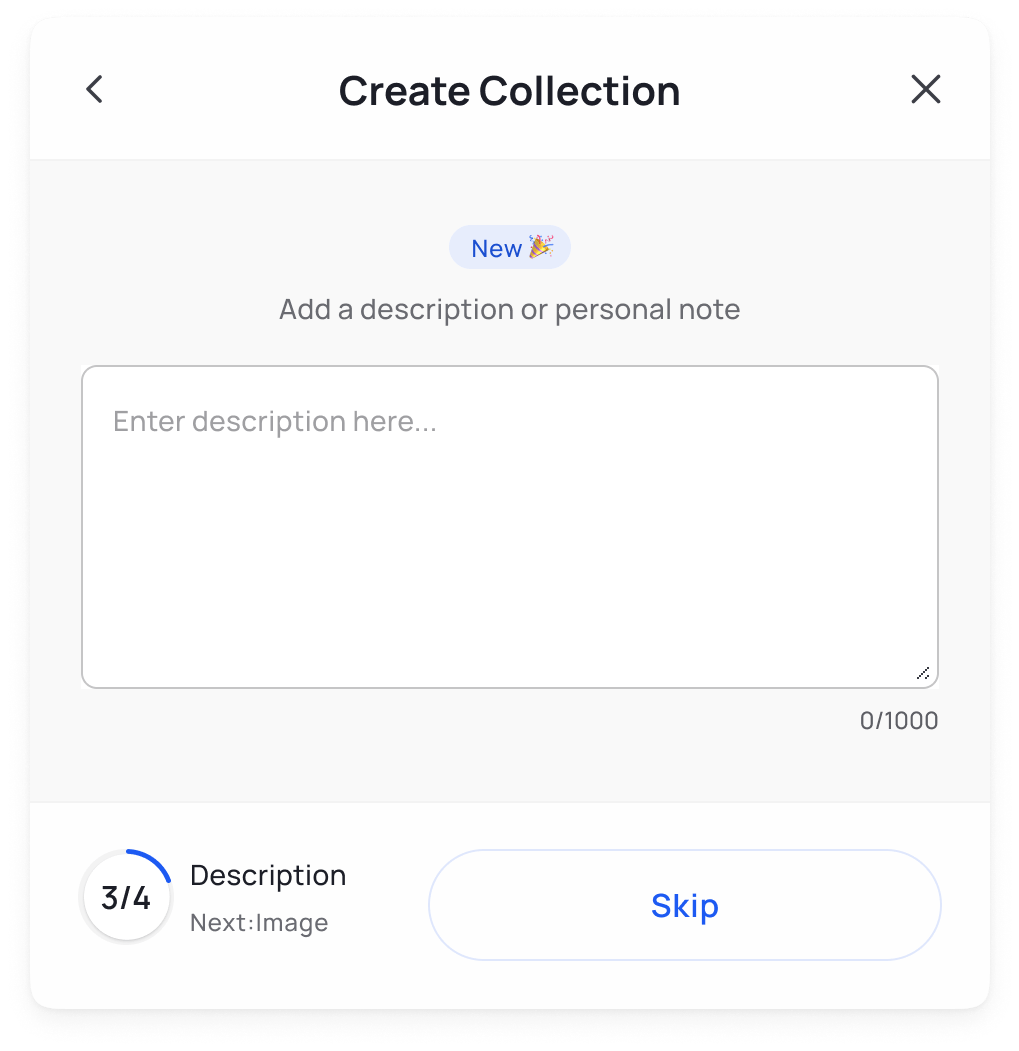
Step 4: Add a Description

Add some text about the cookies themselves or the troop in the description. This step is optional!

Popup 2 min Crowded

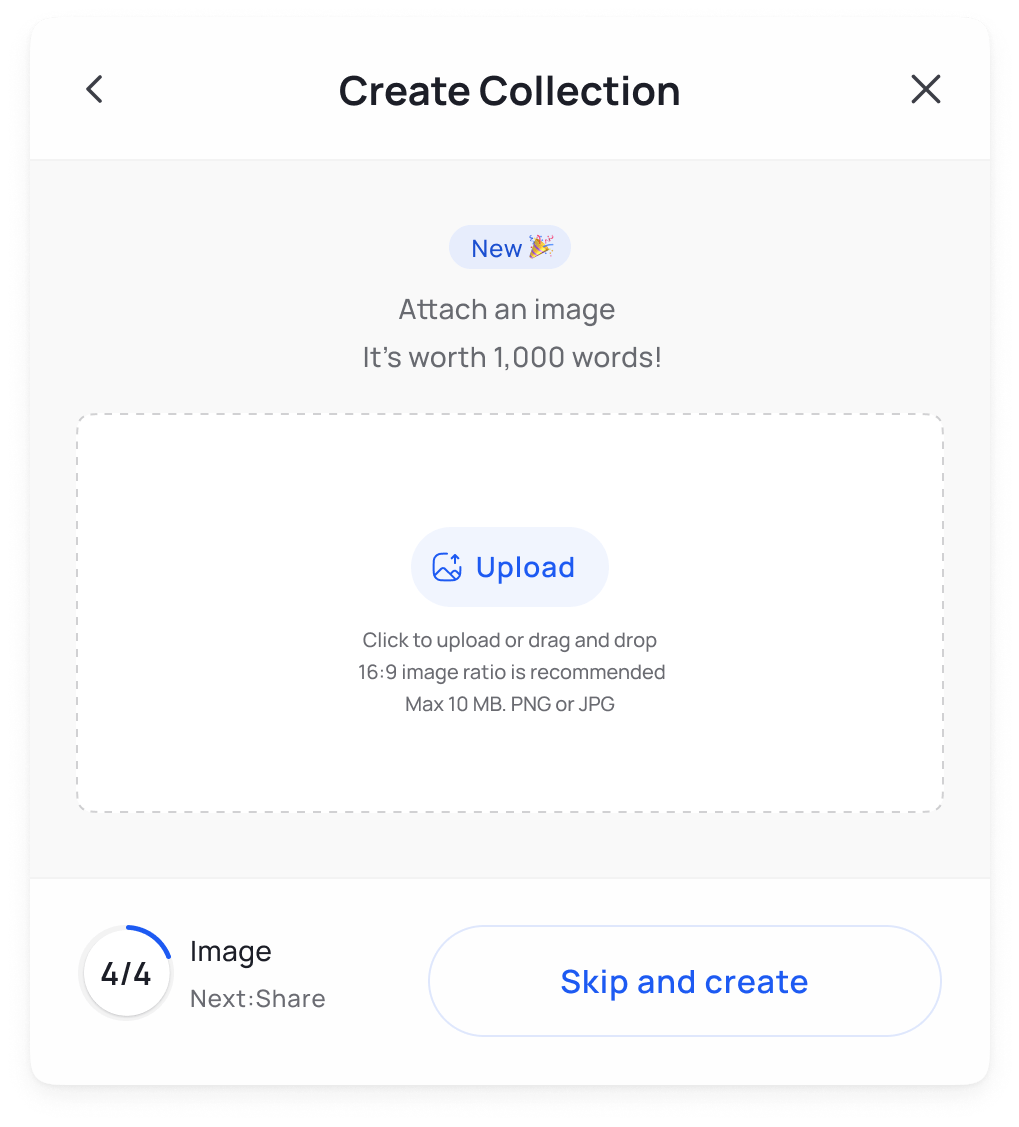
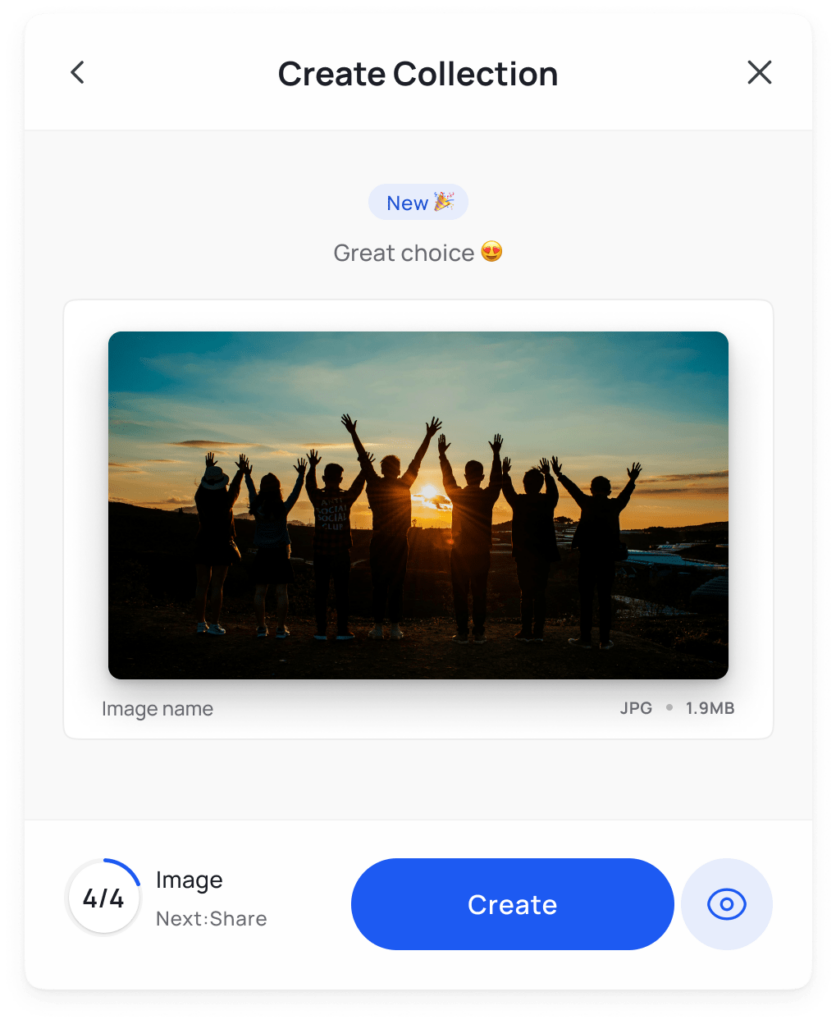
Step 5: Add an Image

Add an image of the troop or of the cookie being sold, to help connect with customers. We recommend that the image has a ratio is 16:9, is a JPG or PNG, and is under 10 MB. This is also optional, skip if not desired and add later.

Popup 3 min Crowded
add an image to personalize your fundraising

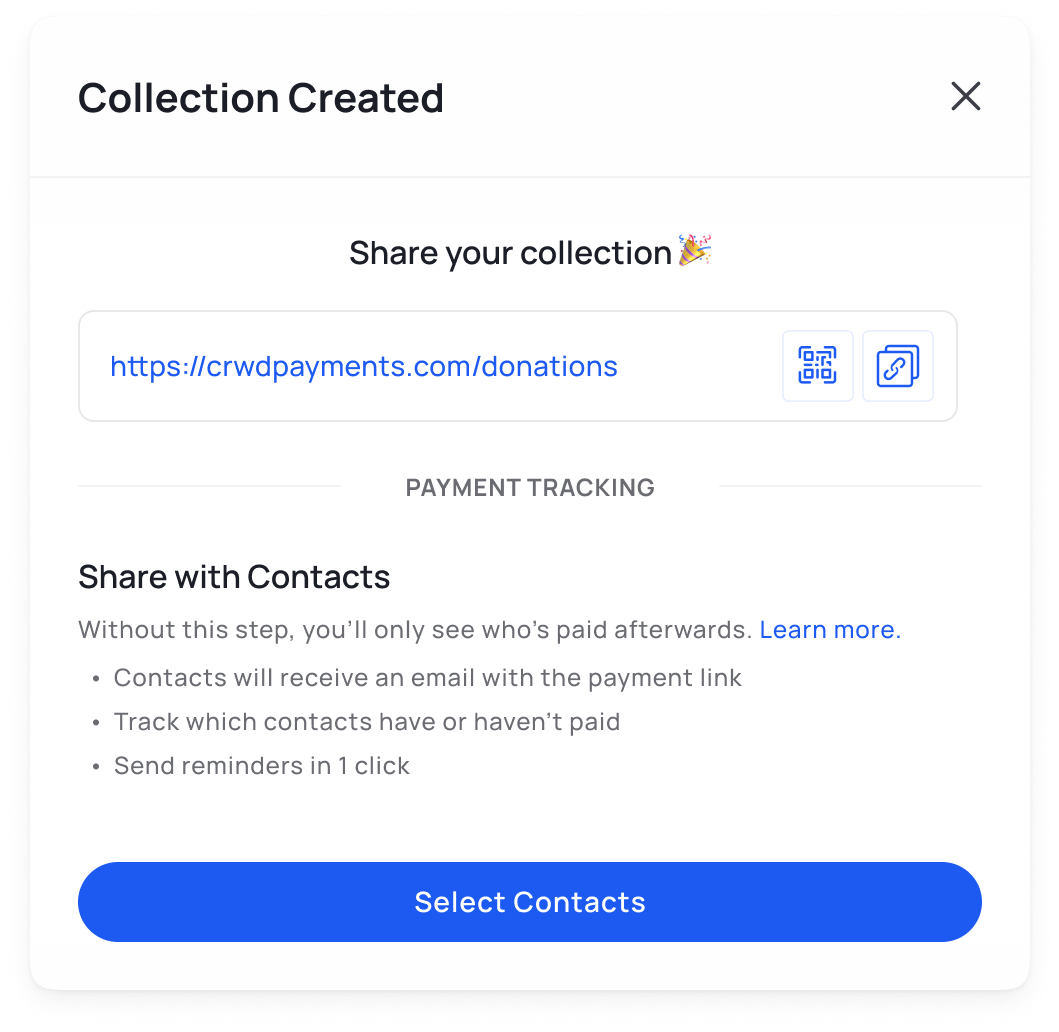
Step 6: Share Collection Link

Now youโ€™re ready to share your cookie collection!ย 

share your fundraising and dues collection with your community

Create QR code

Click the QR symbol on this screen to generate a unique QR code for this collection. Download the code, and print it out.

share qr crowded

Get started by logging into the Crowded platform and creating collections!

Repeat this process for each of the cookie types you are selling. Separating collections by cookie type will allow you to track sales data, and see which cookies are the most popular! Once all the QR codes are printed, have the troop help in creating a fun poster for display at the cookie booth.

Another way to collect cookie payments is by using Crowdedโ€™s In Person Payments feature.

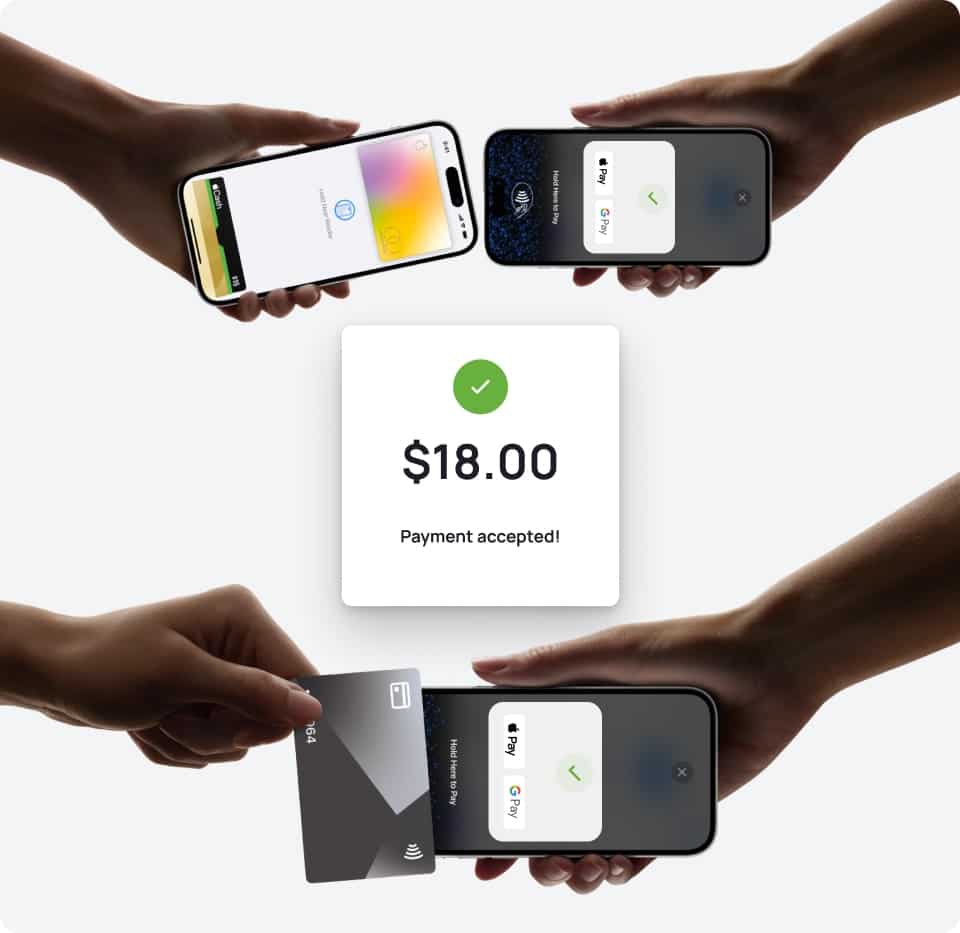
Collect Payments Through a Phone

Crowded offers an POS (Point of Sale) feature which allows users to accept payments from debit, credit and Tap-to-Pay directly from any smartphone!

ย 

Both admins and volunteers can use this feature, but it must be activated by the admin first for a volunteer to use it.

collect payments from your phone

Hereโ€™s how the admin activates the feature:

  1. Log in to the Crowded app
  2. Click the โ€œMoreโ€ tab
  3. Select โ€œCollect In-Person Paymentsโ€
  4. Click โ€œNextโ€ and wait for the app to initialize the payment terminal

ย 

And then, when the volunteer wants to collect payments at the cookie booth, they follow the same instructions but continue to collect payment:

  1. Log in to the Crowded app.
  2. Click the โ€œMoreโ€ tab.
  3. Select โ€œCollect In-Person Payments.โ€
  4. Click โ€œNextโ€ and wait for the app to initialize the payment terminal.
  5. Enter the amount you would like the person to pay.ย 
  6. Have the person tap their card or use tap-to-pay on their phone and wait until the transaction is complete.
  7. The money should arrive into the organization’s Crowded account in 2-5 business days.

ย 

The whole process is seamless and provides a quick and easy way to sell cookies. This isnโ€™t our #1 recommended method, because the tracking of the sales data is not as detailed as using Collections.

Deposit Cash

We are big proponents of digital payments instead of cash for cookies (no theft, loss or liability)! But we understand that cash is still part of the cookie selling process. So, after a long day of selling cookies, deposit the cash conveniently into your Crowded account for safekeeping.ย 

To deposit cash, your account must have a physical debit card for the ATM. Order a physical Admin card under the ‘Cards’ tab on the Crowded platform to add cash to the troop’s checking account. Order card

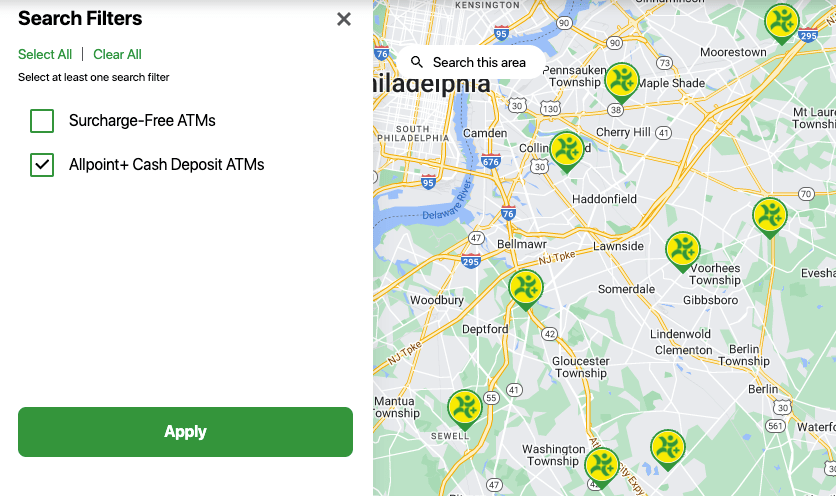
Deposit cash at any Allpoint+ Cash Deposit ATM in your area. See locations here and filter for Allpoint+ Cash Deposit ATM.ย 

ย 

See our ATM Cash Deposit support article for troubleshooting and FAQs.

If your troop is not located near any Allpoint+ ATMs, see our Rural Cash Deposit Guide for our special offer.

deposit cash at select atms

Connect P2P Apps

For troops still collecting payments on Venmo, PayPal and Cash App, connect those accounts to Crowded to seamlessly transfer those funds into your troops bank account*.

Note: We do not recommend collecting cookie payments on these apps, as they can create unnecessary tax implications for the tax-exempt troop. See more in our blog about Venmo for nonprofits.

Hereโ€™s a step-by-step guide to connecting an external app to Crowded

  1. Open the P2P payment app youโ€™d like to connect
  2. Select the option to add a bankย 
  3. If the app offers Plaid, continue to Plaid and search โ€œCrowdedโ€ and follow the steps to connect your account to Crowded

If this option does not work, or the app does not offer Plaid, connect to the accounts manually:

  1. Log in to your Crowded account (Go straight there)
  2. Go to the โ€œMy Accountsโ€ tab
  3. Click on โ€œPrimary Checking Accountโ€
  4. Copy the account number and routing number for the account, and paste that into the app for manual linking of the accounts

After each day of selling cookies, we recommend you transfer funds into Crowded as soon as possible, as the balances on those accounts are not FDIC-insured.

And that’s a wrap. As always let us know if you have any questions and have a great cookie season!

In this guide